66 lessons, 5 to 10 minutes each
Each lesson has goals, examples from the kind of work your people do, an exercise, a quiz and a one-page printable summary.
// securidigm primer · cyber training · included for clients
Short lessons built around your own people, phone numbers and systems, with real incidents, hands-on exercises and a quiz. Primer keeps a training record for every person, with the date each one is due again. It runs in any web browser, with nothing to install and no internet connection needed.
For vessels and port facilities, pipelines, freight rail, transit, trucking and bus companies, and offices.
// what’s inside
Before the first lesson you enter your cybersecurity officer, who to call, your backup contact and the systems your people use. Every lesson then speaks in those names, so “report it” means “call Dana at extension 214”, not a generic help desk.
Each lesson has goals, examples from the kind of work your people do, an exercise, a quiz and a one-page printable summary.
Written for each kind of operation: vessels and facilities, pipelines and rail, offices, and trucking. Quizzes draw a fresh set each time.
Twenty real cyber incidents, such as the Colonial Pipeline shutdown, told in plain words with a link to where the facts come from.
Spot the phishing email, decide what you would do, put the steps in order, sort the risks, and find the problem in a picture of a workplace.
Run a lesson on one screen for a whole crew or shift, and record everyone who took part.
Who took which lesson, when, and their score; who is due in the next 30 days; who must be accompanied until trained. Records print, and are kept encrypted behind a password.
// the rules it helps with
Coast Guard, 33 CFR 101.650(d)(1) (eCFR)
All personnel with access to the IT or OT systems, including contractors, whether part-time, full-time, temporary, or permanent, must have cybersecurity training
Helps you show: the all-staff lessons cover each topic the rule lists, from your plan’s provisions to reporting an incident to your cybersecurity officer, and the records say who took them and when.
Coast Guard, 33 CFR 101.650(d)(4)
Training for new personnel not in place at the time of the effective date of this rule must be completed within 5 days of gaining system access, but no later than within 30 days of hiring, and annually thereafter.
Helps you show: due dates for new hires, yearly refreshers, and lessons on your plan within 60 days of the Coast Guard accepting it.
NIST Cybersecurity Framework 2.0, PR.AT-01
Personnel are provided with awareness and training so that they possess the knowledge and skills to perform general tasks with cybersecurity risks in mind
Helps you show: for offices and trucking, training that every person completed, with dates, for Baseline and for your insurer.
TSA pipeline, rail and transit directives
The directives have no separate training section, so Primer follows good practice.
Helps you show: people know their roles in your incident response plan and how to report an incident, mapped to the plan’s roles and to NIST CSF.
Plain limit. Primer gives evidence for your training program; it does not show that a requirement is met, and your plan still says what training you require. Nothing here is legal advice.
// screens
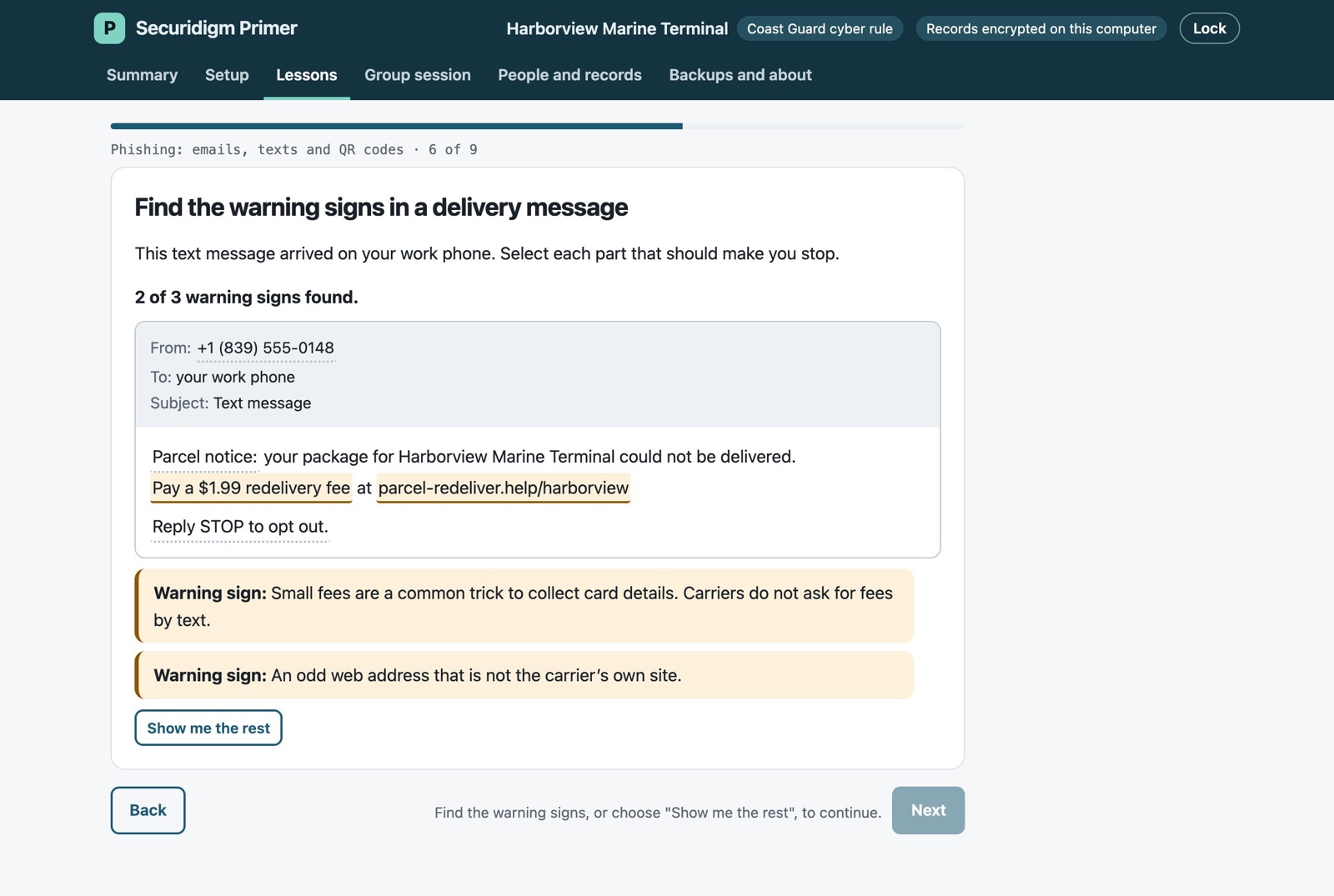
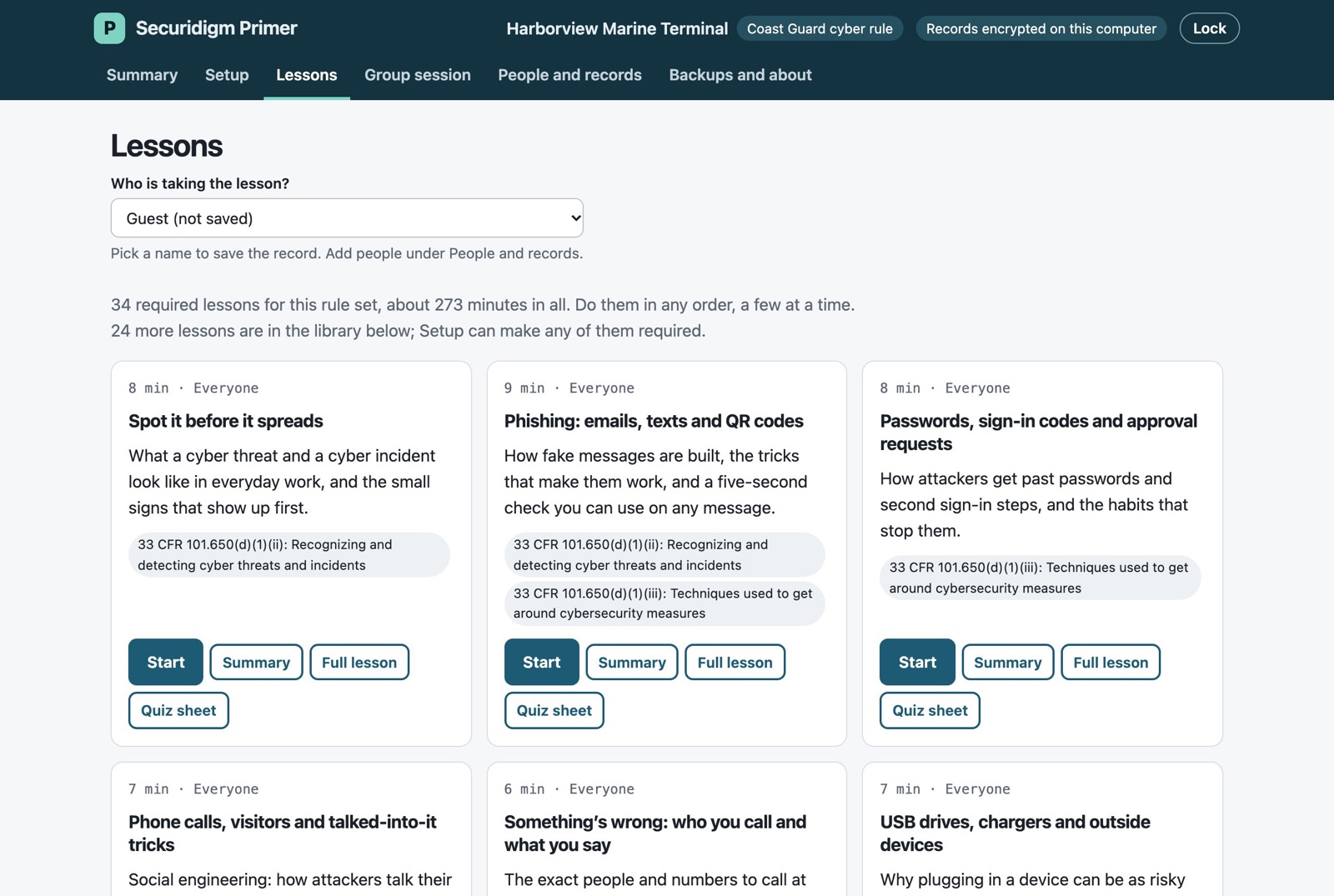
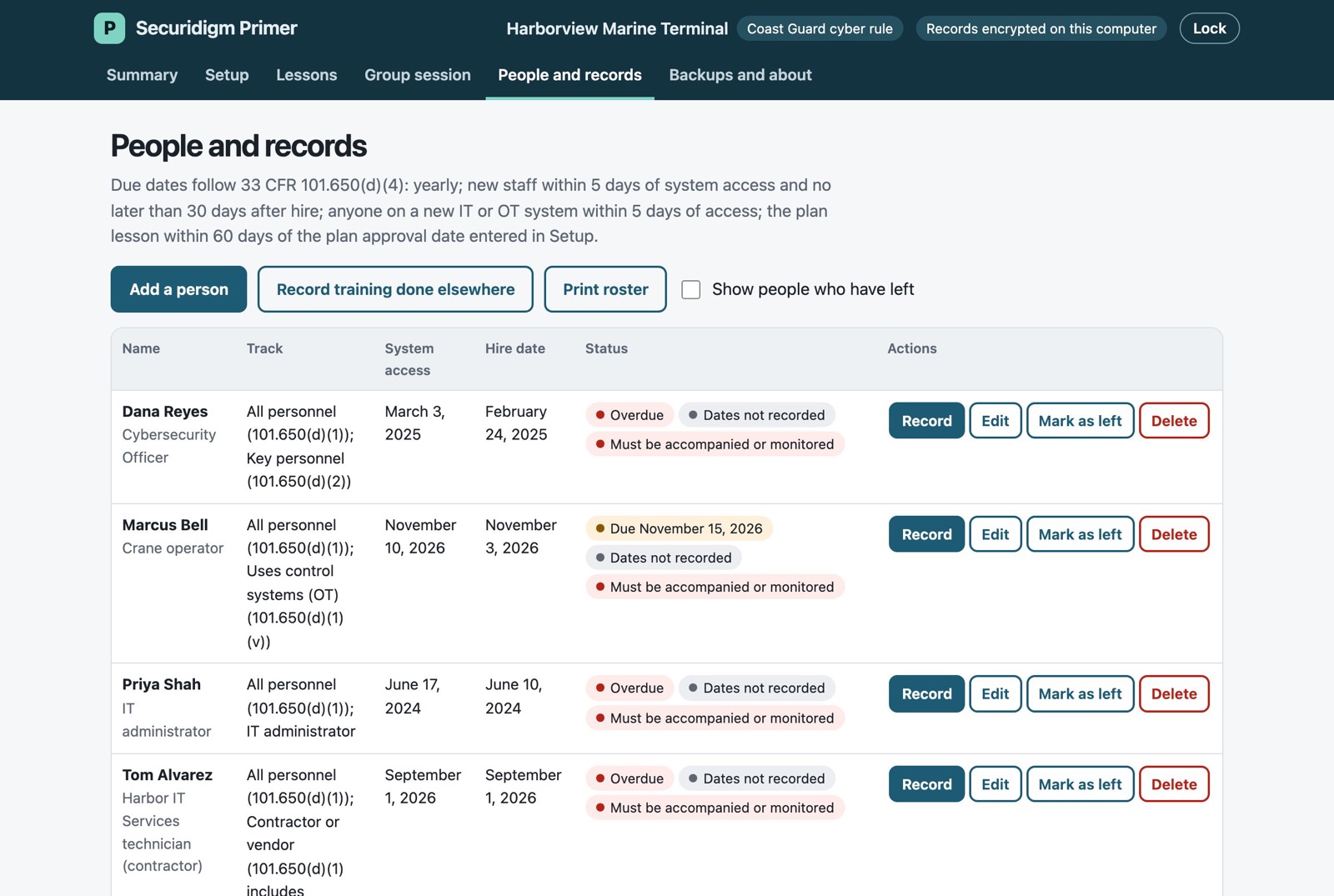
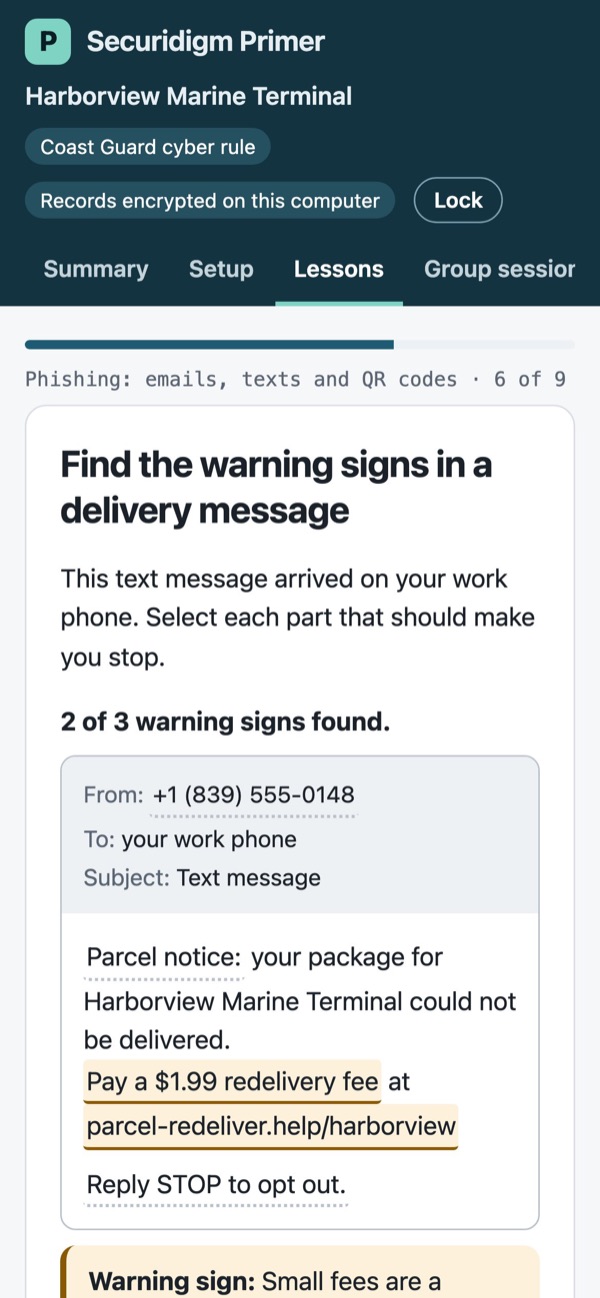
Screens show a made-up company, Harborview Marine Terminal.
// how clients get it
Primer isn’t sold on its own. It comes with Harbor (Coast Guard), Signal (TSA pipeline and rail) and Baseline (small businesses), and with Securidigm’s managed services, for as many people as you have.
Primer is a single file you open in a web browser on a work computer. No install, no account, no internet connection needed after it arrives.
Updated lessons and incidents arrive as signed files, so you can tell they really came from Securidigm.
Written help comes with Primer. Hands-on help running your training program is part of Securidigm’s managed service packages.